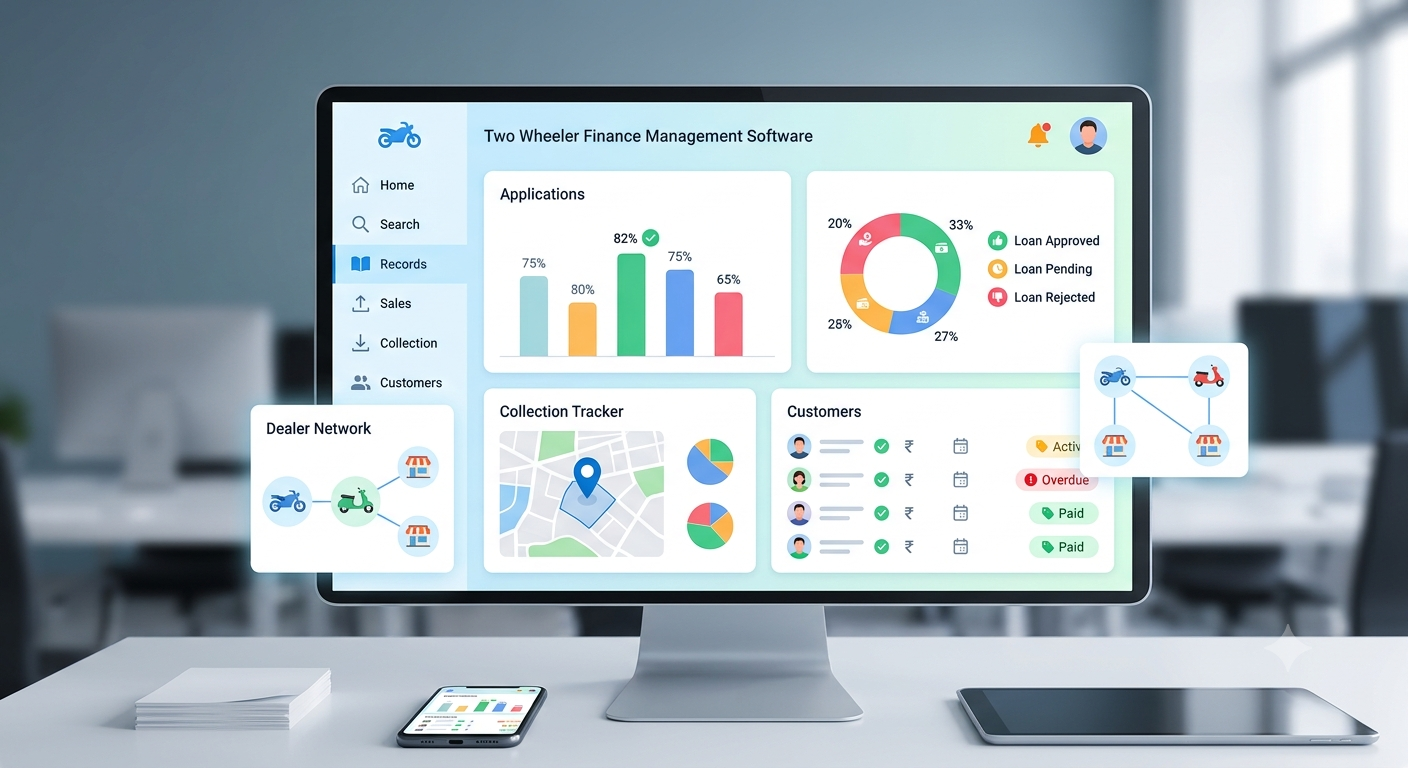
Running a two-wheeler finance business on registers and spreadsheets is stressful. A customer misses an EMI. You find out two weeks later. By then, no penalty was applied. No follow-up happened. And the customer knows they can delay without consequence. That pattern, repeated across dozens of accounts, quietly drains your profits. The fix is proper two-wheeler finance management software. Here is exactly how it helps.
Why Manual Tracking Fails
Registers and Excel sheets do not alert you. They do not calculate penalties. They do not tell you which accounts are overdue this morning. You have to check everything manually. And when you are managing hundreds of customers, something always gets missed.
The result is uncollected penalties, uncontacted defaulters, and loans that quietly become unrecoverable.
What Two-Wheeler Finance Software Actually Does
The software tracks every customer account in one place. It flags overdue EMIs automatically. It calculates penalties based on the rate you set. It organises your customers by route so field agents know exactly who to visit.
No manual checking. No guessing. Just a clear picture every day.
Softwares Window has built this system specifically for independent auto dealers in India who manage their own loan books without a full collections team.
How It Cuts Losses in 4 Steps
Step 1: Catch Overdue EMIs on Day 1
The moment an EMI is missed, the software flags it. You get an updated overdue list every single day. Not at month end. Every day. You can see which customers are overdue, how many days they have missed, and what the outstanding amount is. No digging through registers.
Step 2: Apply Penalties Without Manual Work
Penalties protect you from deliberate delays. But calculating them manually is easy to skip.
The Two-Wheeler Finance Management Software applies your penalty rate automatically from the first day of overdueness. Monthly or yearly, depending on your agreement. Everything is recorded in the customer ledger. No arguments. No errors.
Step 3: Assign Collection by Route
Not all agents should visit all areas. The software groups your customers by route.
When you generate a defaulter report, each agent only sees the accounts in their zone. This removes overlap, saves time, and makes sure every overdue account actually gets a visit.
Before each visit, the agent can check the full customer finance file. It includes guarantor details, vehicle information, insurance records, and the complete payment history. Everything needed for a productive recovery visit is in one place.
Step 4: Log Every Follow-Up
Missing a follow-up is just as bad as missing the original overdue detection.
The software has a dedicated collection follow-up module. Every call, visit, and outcome gets logged against the customer account. Your team always knows what was done last and what needs to happen next. Nothing gets lost between team members.
One Feature Most Dealers Overlook
Insurance payment tracking.
When a customer stops renewing their vehicle insurance, it is often an early sign they are under financial pressure. The software tracks insurance payments per customer and flags lapses before the EMI itself is missed. Most competing tools in this space do not include this. It is one of the strongest early warning signals available to a dealer.
Mistakes That Make Defaulters Worse
Not setting the penalty rate from Day 1. Without it, customers face no real consequence for delay.
Checking the defaulter list only at month end. By then a 7-day delay has already turned into a 30-day problem.
Skipping guarantor details in the finance file. When a customer stops responding, the guarantor is your next step. Missing that information leaves you stuck.
Start tracking defaulters the right way
You do not need expensive enterprise software to manage your loan portfolio well. You need a system built for dealers.
The Two-Wheeler Finance Management Software by Softwares Window gives you daily overdue reports, automatic penalty calculation, route-based collection, and proper follow-up tracking in one desktop application. If you also handle billing and inventory alongside your finance desk, the General Inventory and Billing Management System from Softwares Window pairs naturally with it.
Book a free demo and see both running live for your business.